

ADVERTISEMENT
Screenshots



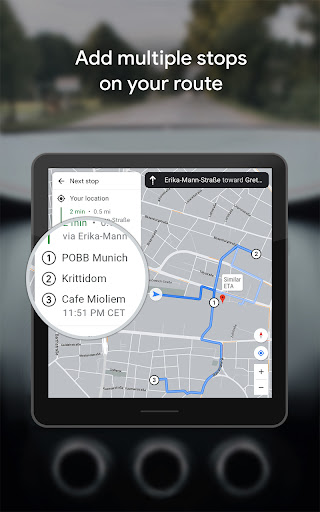
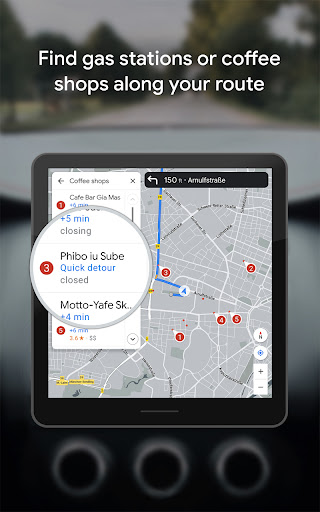
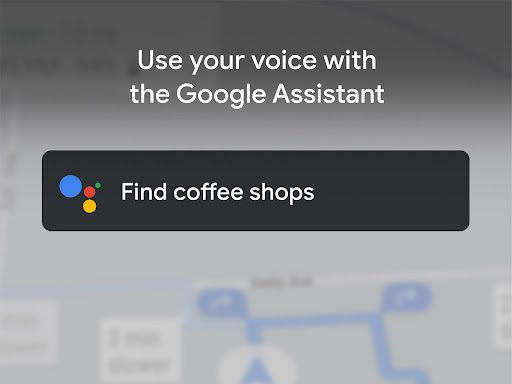
ADVERTISEMENT
Overview of Google Maps
1. App Overview
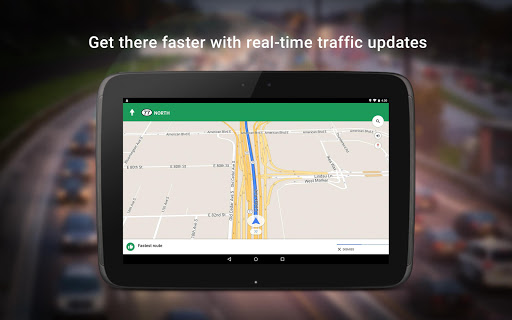
Google Maps helps you navigate with confidence using live traffic, real-time GPS, and clear turn-by-turn guidance for driving, walking, cycling, and public transport. It matters for commuters, travellers, delivery teams, and anyone who needs reliable directions in unfamiliar places.
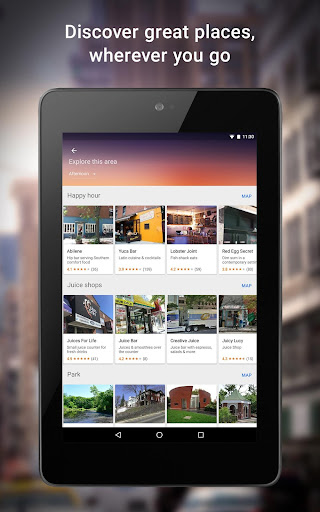
Beyond routing, it connects you to 250+ million businesses and places with photos, reviews, and practical details that reduce guesswork before you arrive. That means less time searching, fewer wrong turns, and calmer travel days 😊.
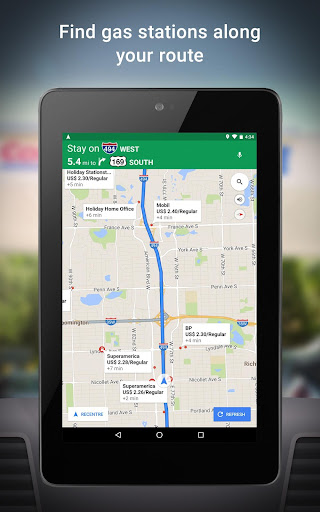
For high-value planning, the app also supports efficient route choices that can lower fuel and help you estimate arrival timing more accurately. It fits everyday users while also supporting professionals who manage schedules and logistics.
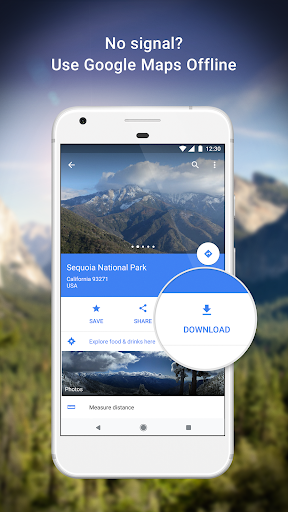
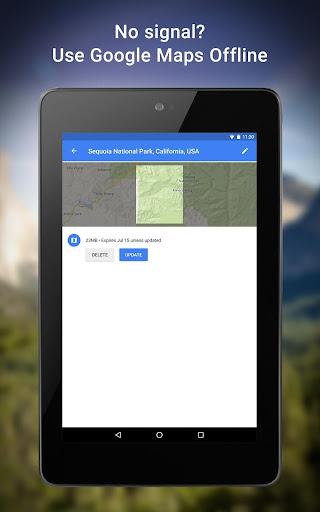
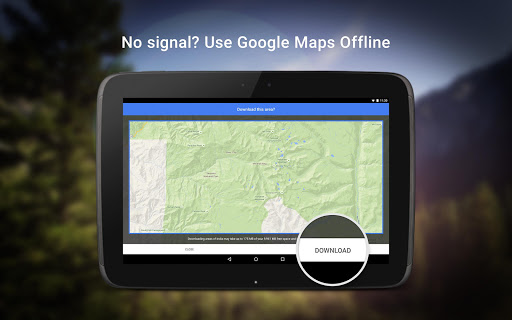
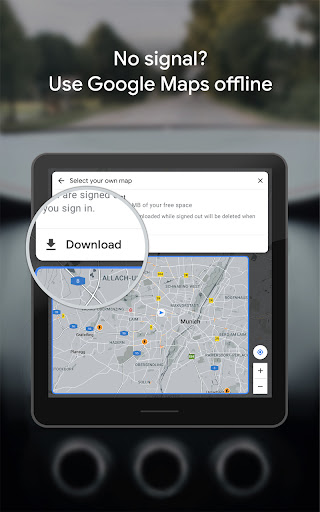
With offline maps, you can keep moving even when signal quality drops. With frequent updates driven by millions of users, the map stays current across cities and routes.
2. Why People Use Google Maps
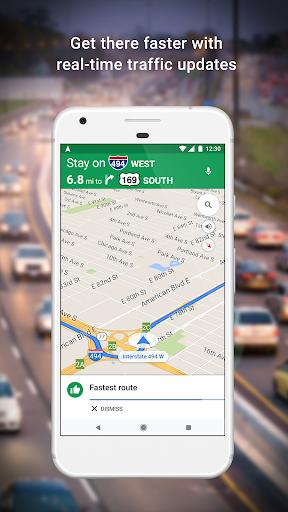
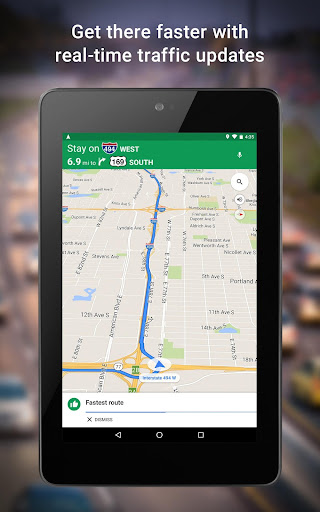
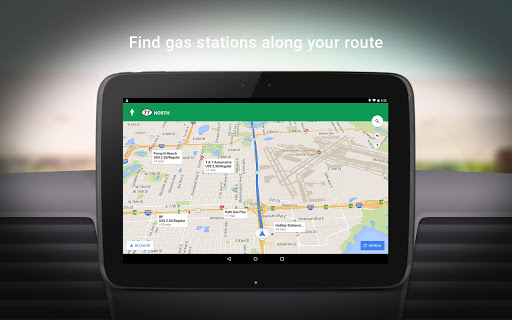
People choose Google Maps because it solves the biggest daily problem: “How do I get there fastest and with the least hassle?” Live traffic and automatic rerouting help drivers avoid delays from incidents and road closures without constant manual checking.
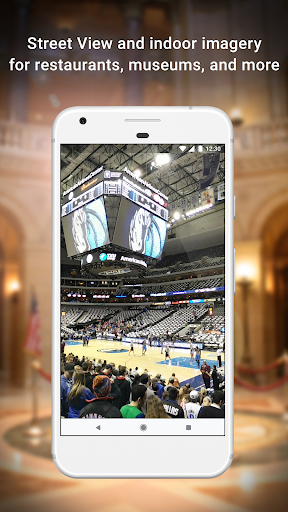
For planning, travellers rely on Street View and Immersive View to preview parking, entrances, and surroundings before they leave. That reduces stress for appointments, hotels, shopping trips, and events where timing is tight.
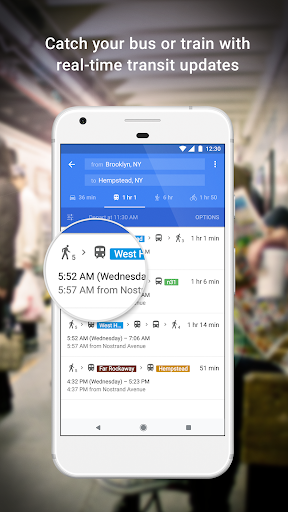
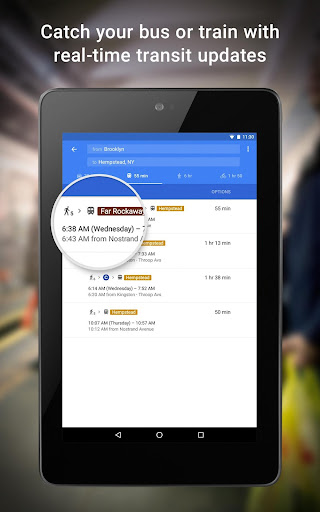
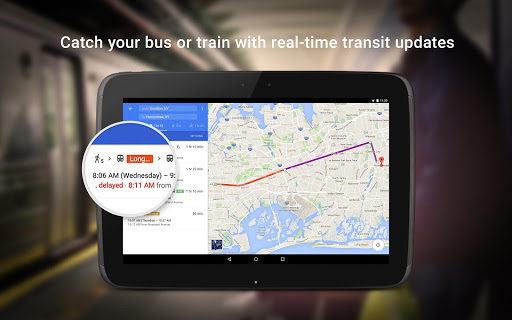
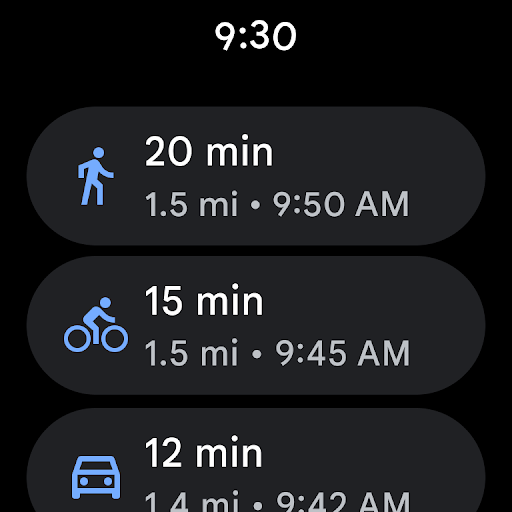
Commuters and riders use real-time bus, train, and ride-share updates to decide when to depart. The ability to compare options quickly supports better time management and helps people coordinate connections.
Businesses and professionals also benefit because the app supports delivery and takeout discovery, reservations, and hotel bookings. Knowing what’s nearby, what’s open, and what others recommend helps teams plan customer experiences with fewer calls.
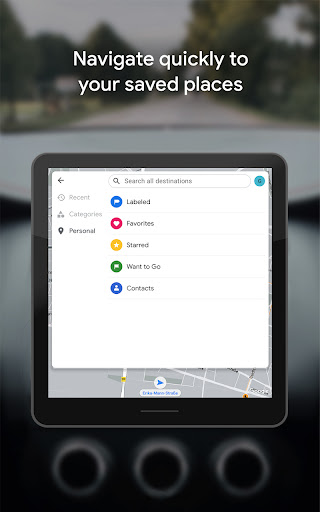
For cyclists and micromobility users, finding bike or scooter rentals makes “last-mile” movement easier. And for people who regularly commute, the app’s focus on saved places and custom lists keeps recurring routes simple.
Finally, users trust Google Maps because its scale and update habits reflect real-world behavior. When you avoid crowds by checking how busy a location is, your plans feel more predictable.
3. Key Features
- Live traffic and automatic rerouting that adapts to incidents, closures, and changing road conditions.
- Real-time, turn-by-turn navigation with voice guidance for driving and on-screen instructions for safer wayfinding.
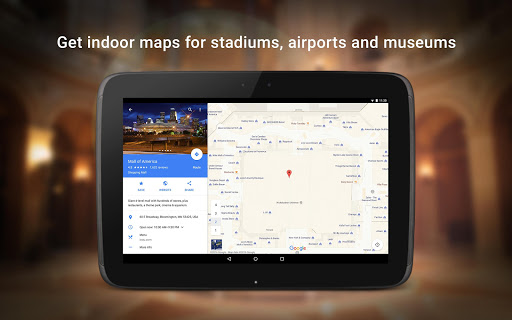
- Street View, Immersive View, and weather context to preview areas, landmarks, parks, and routes before departure.
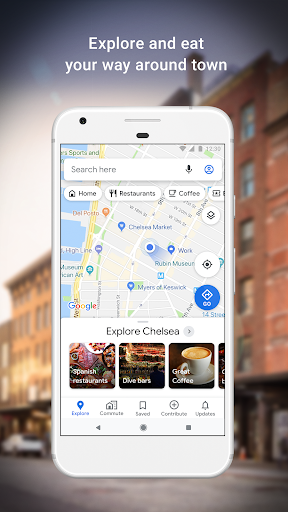
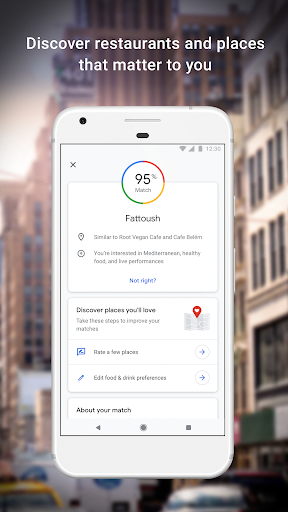
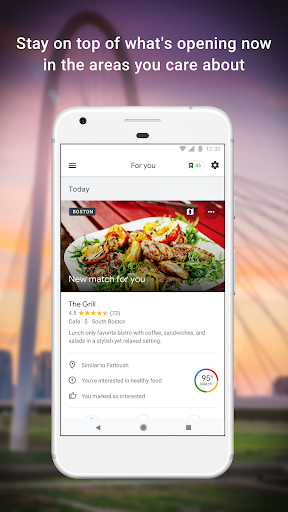
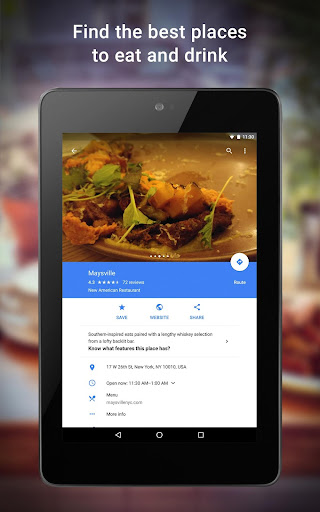
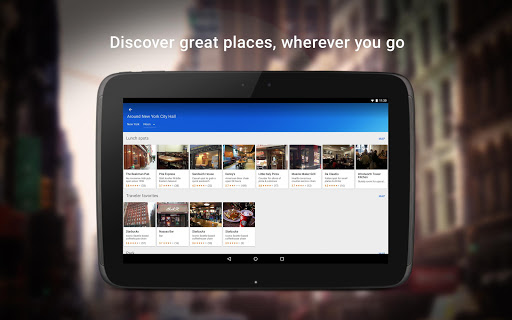
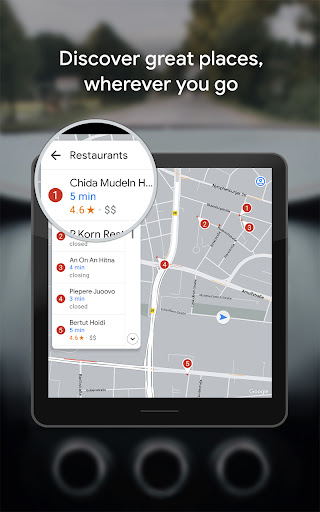
- Rich place discovery with photos, user reviews, filters by hours, price, ratings, and cuisine to match your preferences.
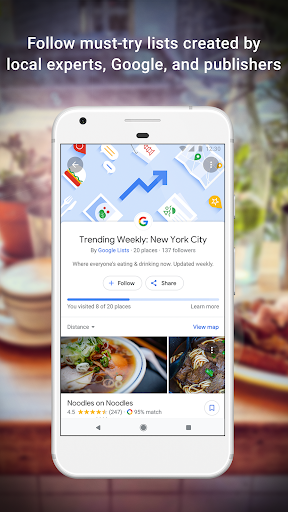
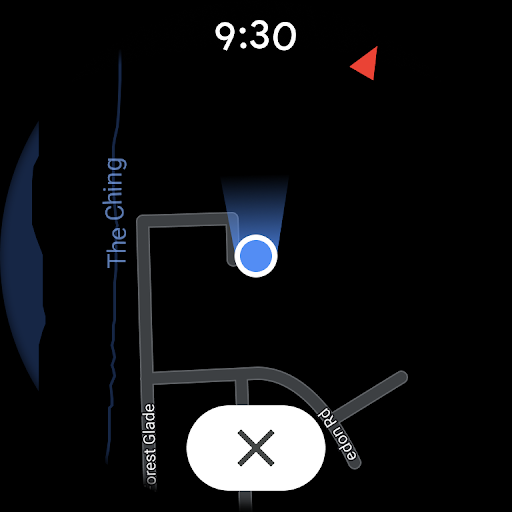
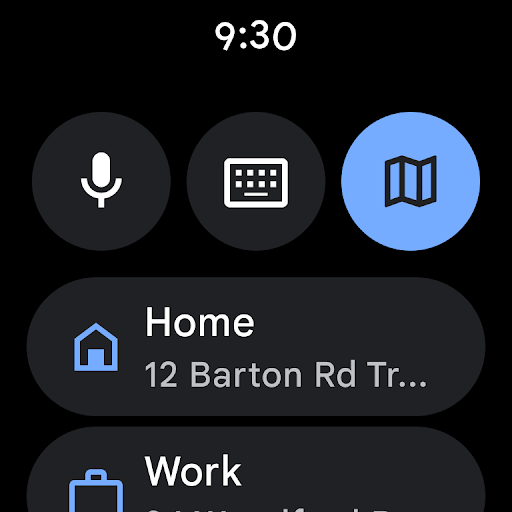
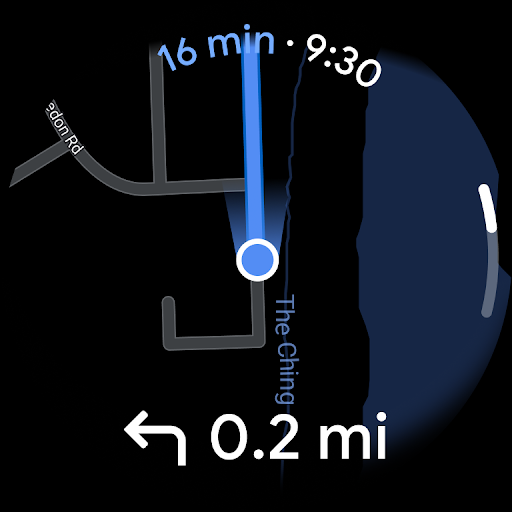
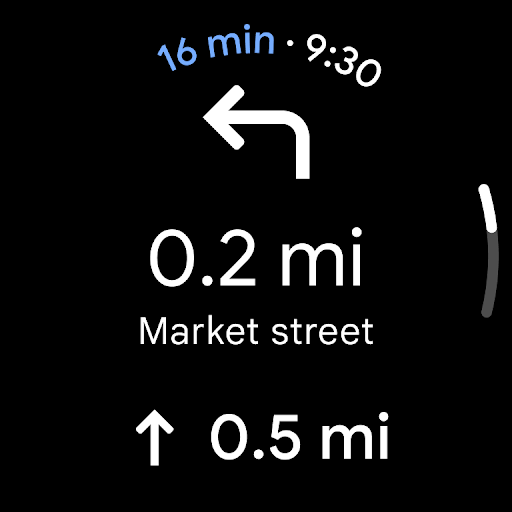
- Offline maps and practical navigation tools, including saving lists and Wear OS tiles for quick search and directions.
4. Real-World Value and Premium Use Cases
High-intent users often need dependable routes for time-sensitive work, including field technicians, enterprise travel, and logistics teams. Live guidance helps reduce downtime and improves operational efficiency.
When planning trips that involve parking, entrances, and accessibility details, users get more than basic directions. That level of context supports better decision-making for property visits, appointments, and business travel.
For payments-focused commerce, Google Maps discovery supports “near me” decisions where timing matters. People look for the right store hours, reliable reviews, and fast navigation before making a purchase or booking.
Search-driven SaaS and subscription workflows also benefit indirectly, because companies can guide customers to the correct location. Clear directions reduce support tickets and improve onboarding experiences for paid services.
In finance-adjacent contexts like branch visits, insured service offices, and appointment scheduling, accurate navigation lowers friction. Users can arrive on time and find entrances with less uncertainty.
For enterprise travel management and international roaming, the app’s broad coverage and offline options help maintain continuity. Even where signal is weak, maps can support safe arrival without panic.
Google Maps also supports “local” discovery, which is valuable for restaurants and everyday essentials. People compare options using ratings, photos, and questions about dishes, parking, and accessibility.
5. Practical Tips, Limitations, and Who Should Use It
Start by saving your most-used places and building custom lists for home, work, and routine errands. That speeds up repeat journeys and helps teams coordinate meeting points.
Use Lens in Maps to see walking directions overlaid on the real world, especially in complex areas. For outdoor landmarks, Immersive View can make orientation easier.
Try offline maps before you travel to regions with poor connectivity. This is especially useful for commuters who take frequent trips through low-signal streets.
While navigation is powerful, it’s not designed for oversized or emergency vehicles. Also, some features vary by country or city, so confirm availability for your location.
Overall, Google Maps is a high-value navigation and discovery tool for consumers, professionals, and enterprise workflows. If you care about reliable routing, verified place details, and real-time updates, it earns its place on your phone.
App Information
| VERSION | 26.41.03.993332563 |
|---|---|
| SIZE | 67.70 MB |
| DEVELOPER | Google LLC |
| CATEGORY | Travel & Local |
| Age | Everyone |
| UPDATE DATE | 2026/10/12 |
| PACKAGE NAME | com.google.android.apps.maps |
| PRICE | Free |


